How to Use Navigate to Next result in Find Symbol Results Dialog in Visual Studio 2013?

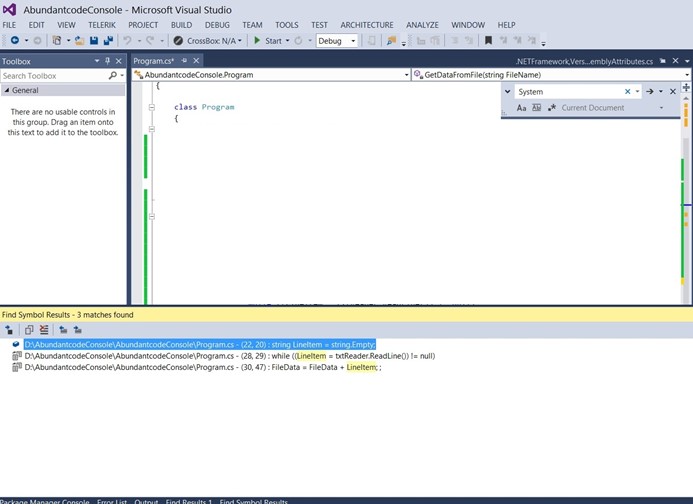
When you use the Find references shortcut (Shift + F12), you will see the references list in the Find Symbol Results Dialog in Visual Studio 2013.
If you want to navigate to the next result in the Find Symbol Results Dialog, you can use the shortcut key F8 in the Symbol Results Dialog.
Popular Stories
-

Ingesting Data into Databricks | Data Engineering in Databricks youtube.com
-

Learn Databricks for FREE (Step-by-Step Guide) youtube.com
-

AI Just Took Half the Data Engineering Jobs. Here's What's... youtube.com
-

How to Structure an AI Project for Data Engineering youtube.com
-

YouTube Data Analysis | End-to-End Data Engineering Project youtube.com
Recent Stories
-
Ingesting Data into Databricks | Data Engineering in Databricks youtube.com
-
Learn Databricks for FREE (Step-by-Step Guide) youtube.com
-
AI Just Took Half the Data Engineering Jobs. Here's What's... youtube.com
-
How to Structure an AI Project for Data Engineering youtube.com
-
YouTube Data Analysis | End-to-End Data Engineering Project youtube.com
Leave Your Comment